
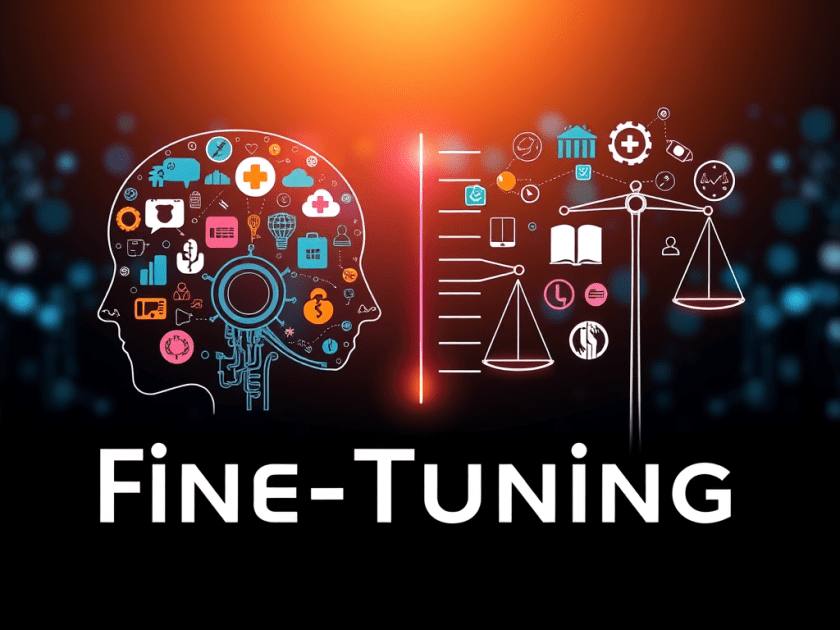
Have you ever thought of ChatGPT being exactly aligned with your company’s mindset? Fine-tuning can bring this to reality—it’s the process of transforming a general AI into a specialist in a certain area.
While the application of the pre-trained models such as GPT-4 is quite advanced, they become the sharpshooters that understand the most topics.
But what happens if you require the model to take your industry’s style of communication, accompany your tone, or manage your data with exactness?
Fine-tuning is the answer for this.
It enables you to instruct a pre-trained model to be the best at your particular task without having to start training it from scratch.
What is Fine-Tuning?
Fine-tuning is the process of taking a pre-trained language model (like GPT-4) and then further training it on a more specific domain-related dataset.
The training enhances the model’s ability to:
- Know and use terms specific to the industry
- Give outputs that are more precise and consistent
- Take less time and need less computing power
In short:
Fine-tuning makes a general-purpose model your personal expert.
Why Fine-Tune?
The case is that when the general knowledge of a base model is not quite enough, fine-tuning would fill the gap between their capabilities.

Customization in Action
Fine-tuning allows GPT-4 to get used to your everyday situations.
A few examples:
- 🩺 A healthcare assistant trained to handle medical terminology and compliance rules.
- ⚖️ A legal AI that drafts contract clauses in your preferred format.
Accuracy vs Precision
When training a fine-tuned model, it’s important to balance accuracy and precision.

You desire your model to be both accurate and precise—the correct answers, delivered consistently.

Cost Efficiency
One of the most significant advantages of fine-tuning is its cost.
Instead of building a model from scratch, you enhance what has already been learned.
✅ Reuse weights that were previously trained
✅ Shorter periods of training
✅ Less computing power used
Fine-tuning = a smarter, faster, and cheaper way of customizing AI.
How Fine-Tuning Works
Fine-tuning refines a pre-trained model using your labeled dataset.
while keeping its general world knowledge intact.
- Prepare your dataset
- Upload your dataset
- Train (fine-tune) the model
- Evaluate its performance
Example: Fine-Tuning with OpenAI Python SDK
Let’s go through the process step-by-step. 👇
1. Prepare the Dataset
The dataset that you have should be in JSONL format, meaning that there will be one JSON object per line
{"prompt": "Generate a confidentiality agreement clause:", "completion": "The Parties agree to keep all information confidential..."}
{"prompt": "Create a termination clause for a contract:", "completion": "This Agreement may be terminated by either party upon written notice..."}
📝 It is crucial that your prompts and completions are the correct representation of the output style that you want.
2. Upload the Dataset
Register your dataset with the OpenAI API.
from openai import OpenAI
client = OpenAI()

client.files.create(
    file=open("mydata.jsonl", "rb"),
    purpose="fine-tune"
)
3. Start Fine-Tuning
It is time to begin the job of your fine-tuning:
client.fine_tuning.jobs.create(
    training_file="file-abc123",
    model="gpt-4o-mini-2024-07-18",
    hyperparameters={
        "n_epochs": 2
    }
)
An epoch means one complete pass through your dataset.
More epochs = better learning, but too many = overfitting.
4. Evaluate Your Model
When the training is done, try out your customized model that has gone through fine-tuning:
completion = client.chat.completions.create(
    model="your-fine-tuned-model-id",
    messages=[
        {"role": "system", "content": "You are a helpful assistant."},
        {"role": "user", "content": "Write a haiku about recursion in programming."}
    ]
)

print(completion.choices[0].message.content)
Best Practices for Fine-Tuning
1. Use High-Quality Data
Good data = good models.
Your dataset has to be clean, relevant, and consistent.
Do a manual check on samples prior to uploading.
2. Start Small
Initiate the process with a small dataset.
When you are certain about the model’s behavior, increase the size of the dataset.
3. Monitor Progress
Track metrics like:
- Loss
- Accuracy
- Validation performance
If the model starts to overfit, change hyperparameters (for instance, learning rate or number of epochs).
Final Thoughts
Fine-tuning is not solely concerned with performance improvement—it is a matter of creating a model that comprehends your environment.
If you introduce a pre-trained model to the language of your industry, you will be able to develop AI tools that:
- Communicate as your business does.
- Think like your users.
- And to be more efficient rather than working harder.
Fine-tuning changes the nature of general intelligence into that of a personal expert.
A Message from the Writer 👨🏻💻
Hi, Dipak here 👋
Your support would mean a lot to me if you found this post useful or illuminating:
- 💌 Subscribe to my Substack and read more of my content: stackwithdipak
- ☕ Treat me to a coffee: pawardipak
- 👏 Give a clap—it helps this post to be seen by more readers, and it means a lot to me. ❤️
Thank you for reading! 🙏
Enjoyed this article? Sign up for our newsletter to receive regular insights and stay connected.