
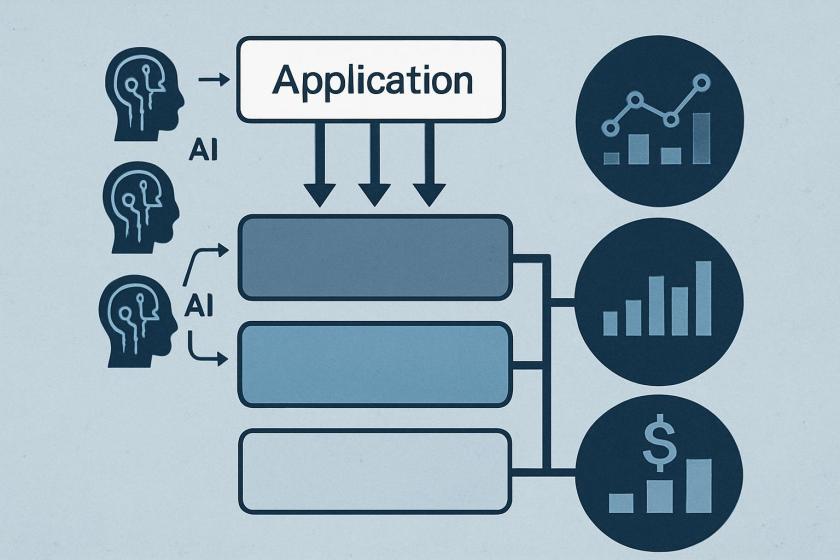
For architects and platform teams, the important shift is not just a new pricing menu but a workload-classification mechanism at the API boundary. Because the tier is chosen per request, Bedrock now supports a more deliberate control plane pattern: the application can route latency-sensitive calls one way and batch-like or asynchronous calls another. That makes tier selection a design concern alongside model choice, retry logic, and throughput planning.
The operational trade-off is straightforward but easy to miss: the cheapest tier is only useful if the surrounding workflow can tolerate longer completion times. Teams building assistants, document pipelines, or agentic flows may need to split one user journey into multiple request classes, otherwise a single latency expectation will drive unnecessary spend. That can introduce routing logic in the application service, feature flags, or policy rules maintained by platform engineering.
Monitoring becomes part of the cost model. If different tiers are used in production, usage should be tracked by request class, not only by aggregate token volume. Invocation logging, CloudWatch metrics, and quota visibility are what turn tiering into an enforceable operating practice. Without that layer, it becomes difficult to prove whether performance gains are coming from the tier itself, from prompt changes, or from workload shifts.
For teams already standardizing on Bedrock, the key architectural question is where to place the decision. Keep the application simple if only a few endpoints need tier differentiation; move the decision into a shared gateway or orchestration layer if multiple teams will consume the same models. That separation helps avoid hidden technical debt as more AI workflows are added over time.
| Category | Recommended service tier | Description |
|---|---|---|
| Mission-critical | Priority | Requests are handled ahead of other tiers. Lower latency responses for user-facing apps (for example, customer service chat assistants, real-time language translation, interactive AI assistants) |
| Business-standard | Standard | Responsive performance for important workloads (for example, content generation, text analysis, routine document processing) |
| Business-noncritical | Flex | Cost-efficient for less urgent workloads (for example, model evaluations, content summarization, multistep agentic workflows) |
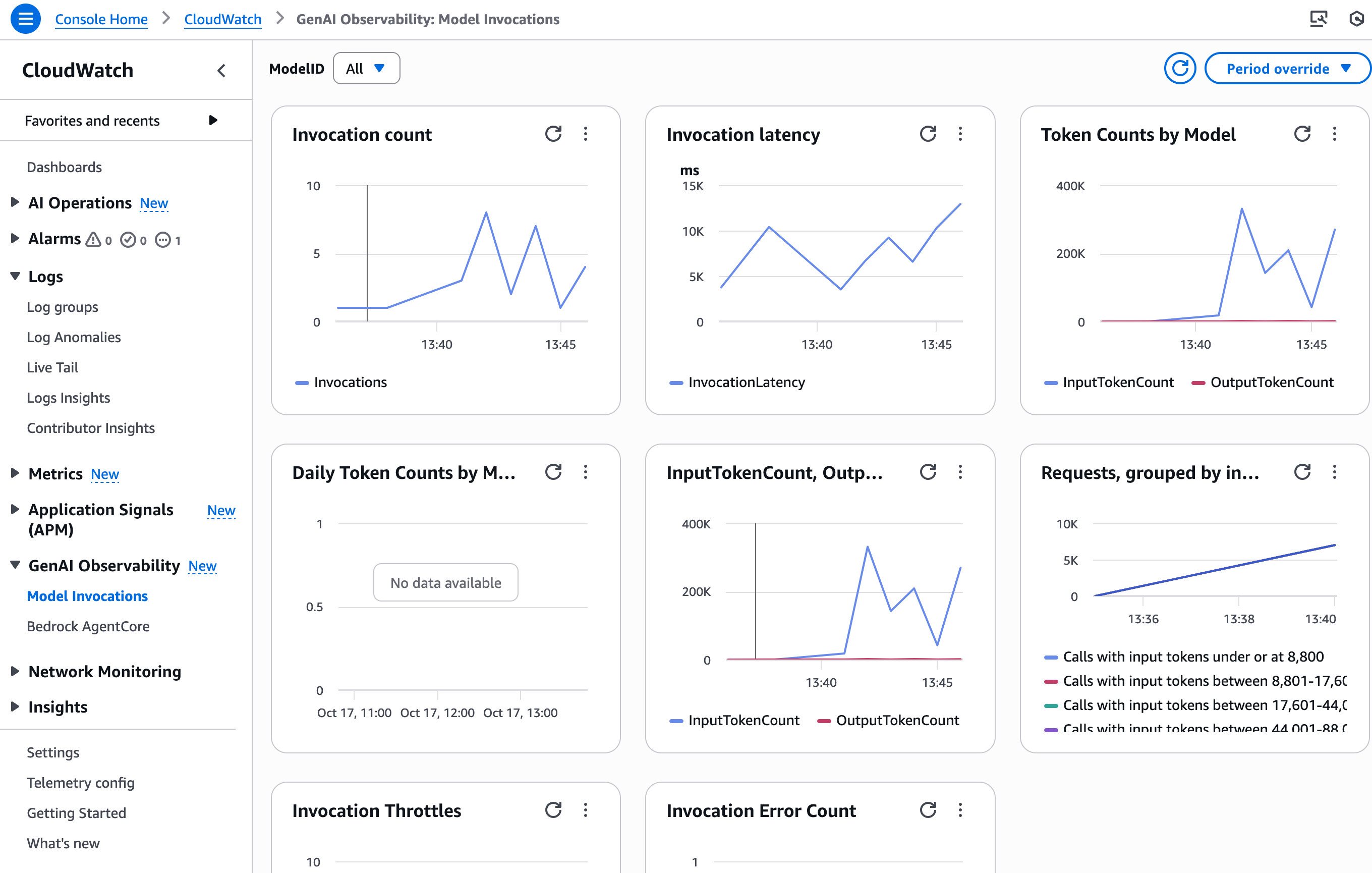 You can start using the new service tiers today. You choose the tier on a per-API call basis. Here is an example using the
 ChatCompletions OpenAI API, but you can pass the same service_tier parameter in the body of InvokeModel, InvokeModelWithResponseStream, Converse, andConverseStream APIs (for supported models):
from openai import OpenAI

client = OpenAI(
    base_url="https://bedrock-runtime.us-west-2.amazonaws.com/openai/v1",
    api_key="$AWS_BEARER_TOKEN_BEDROCK" # Replace with actual API key
)

completion = client.chat.completions.create(
    model= "openai.gpt-oss-20b-1:0",
    messages=[
        {
            "role": "developer",
            "content": "You are a helpful assistant."
        },
        {
            "role": "user",
            "content": "Hello!"
        }
    ]
    service_tier= "priority"  # options: "priority | default | flex"
)

print(completion.choices[0].message)Enjoyed this article? Sign up for our newsletter to receive regular insights and stay connected.